Tacx NEO 2T with Zwift Cog & Click: Indoor Training Made Simple
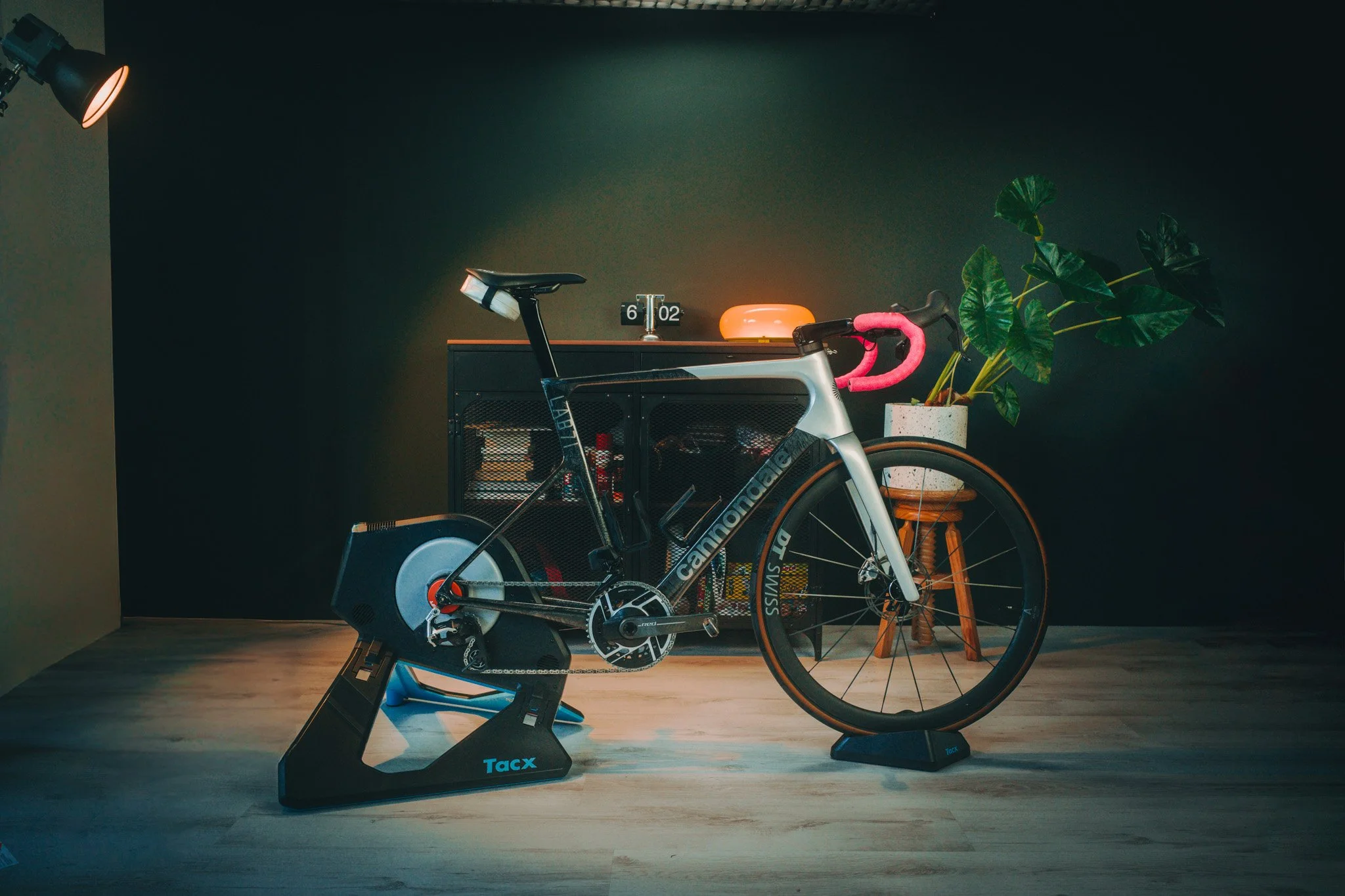
Tacx NEO 2T with Zwift cog set up with Cannondale Super SIX
Indoor training is already a mental step. You have to get the bike ready, get your kit on, set up the trainer and then finally start riding. For someone who is new to Zwift, all of this can sometimes feel like a lot.
That is where the new Tacx NEO 2T with Zwift Cog and Click comes in. I wanted to see how easy it really is to get from opening the box to riding on Zwift.
The setup
The first thing that surprised me was how simple the setup was.
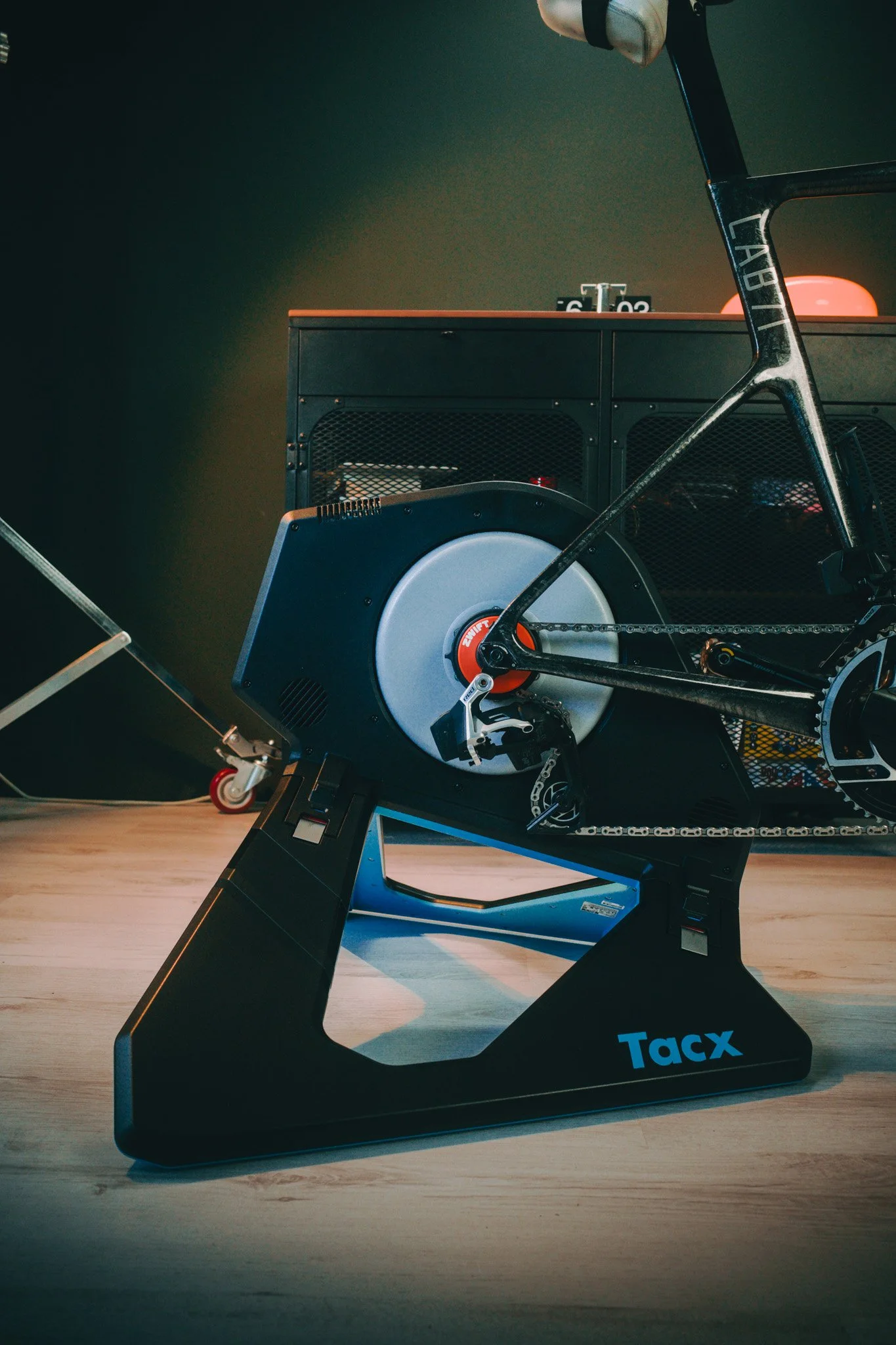
The NEO 2T comes in its box and once you take it out, the trainer folds open easily. The only thing I had to change was the adapter to fit my bike's thru-axle. The trainer comes set up for quick release, so I needed an Allen key to make that change.
After that, I installed the bike on the trainer and put the front wheel riser in place.
The whole process took me around four minutes.
Then I installed the Zwift Click controllers and connected the power adapter. That took another couple of minutes.
So, in roughly six minutes, the bike was ready to ride.
The only thing you really need to check before starting is whether the trainer has the right adapter for your bike.
Connecting to Zwift
Once everything was physically set up, connecting to Zwift was just as easy.
I simply made sure the Tacx was powered on and awake, opened Zwift and connected the trainer through the connection screen.
There was no complicated setup process or mechanical adjustment needed before getting on the bike.
And that is probably the biggest selling point of this combination for me: it makes getting started with indoor training much easier.
What makes the Zwift Cog different?
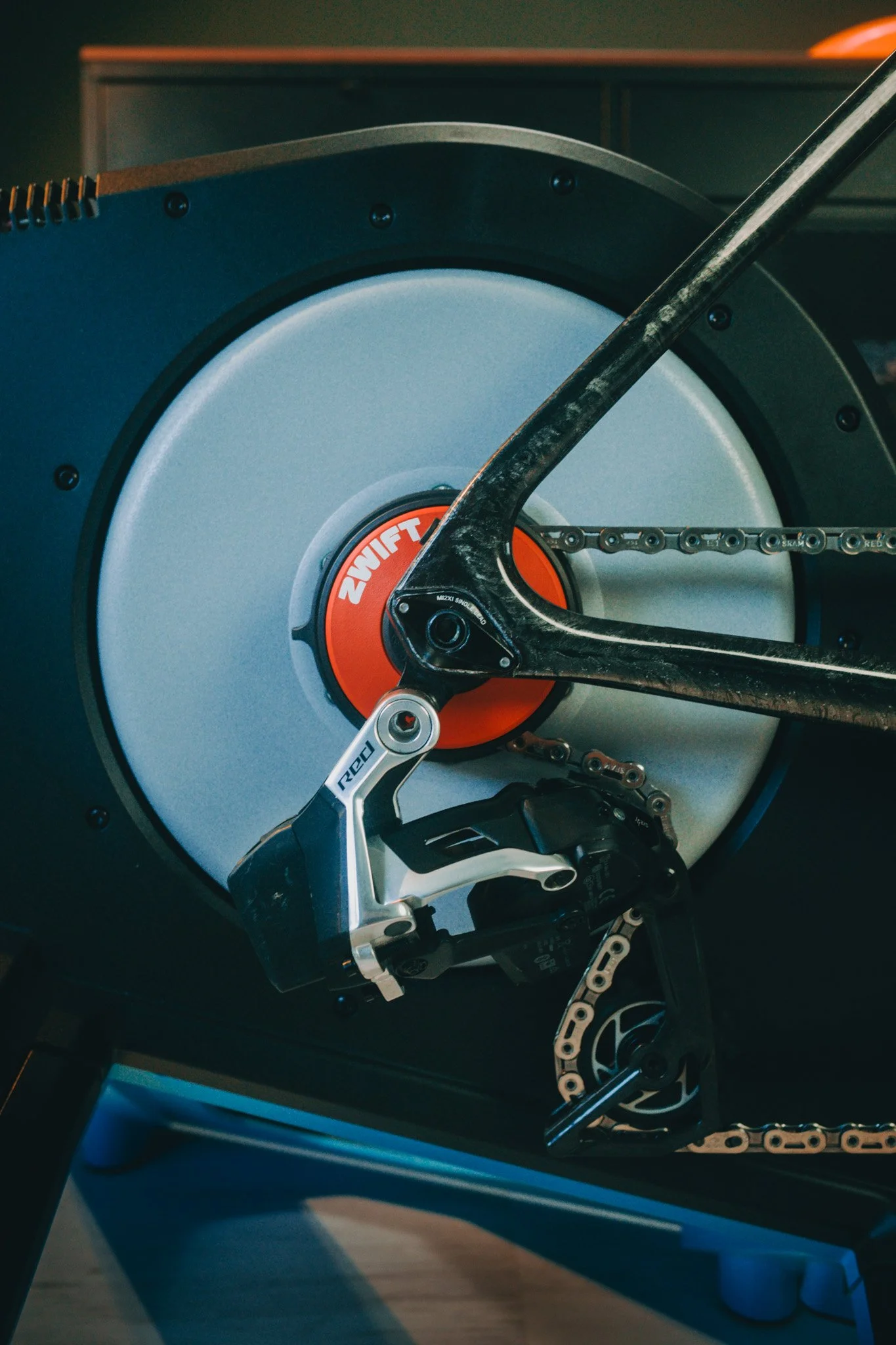
The Zwift Cog replaces the normal cassette on the trainer with a single sprocket. Instead of physically changing gears on the bike, the Zwift Click lets you shift virtually inside Zwift.
The big advantage is compatibility. The Tacx NEO 2T with Zwift Cog works with almost any 8- to 13-speed bike, so you don't need to buy and install a separate cassette to match the bike you want to use.
This also means that if there are several people in your household who want to use the trainer, or if you want to switch between bikes, you don't have to keep changing the cassette.
You still need to make sure your bike and axle setup are compatible, but once that is sorted, putting the bike on the trainer is very straightforward.
shifting with Zwift Click
The Zwift Click was probably the part I got used to fastest.
At first, I occasionally found myself reaching for the normal shifter on my bike. It was actually quite funny because my brain was still expecting to shift mechanically.
But after a short time, the Clicks became completely natural.
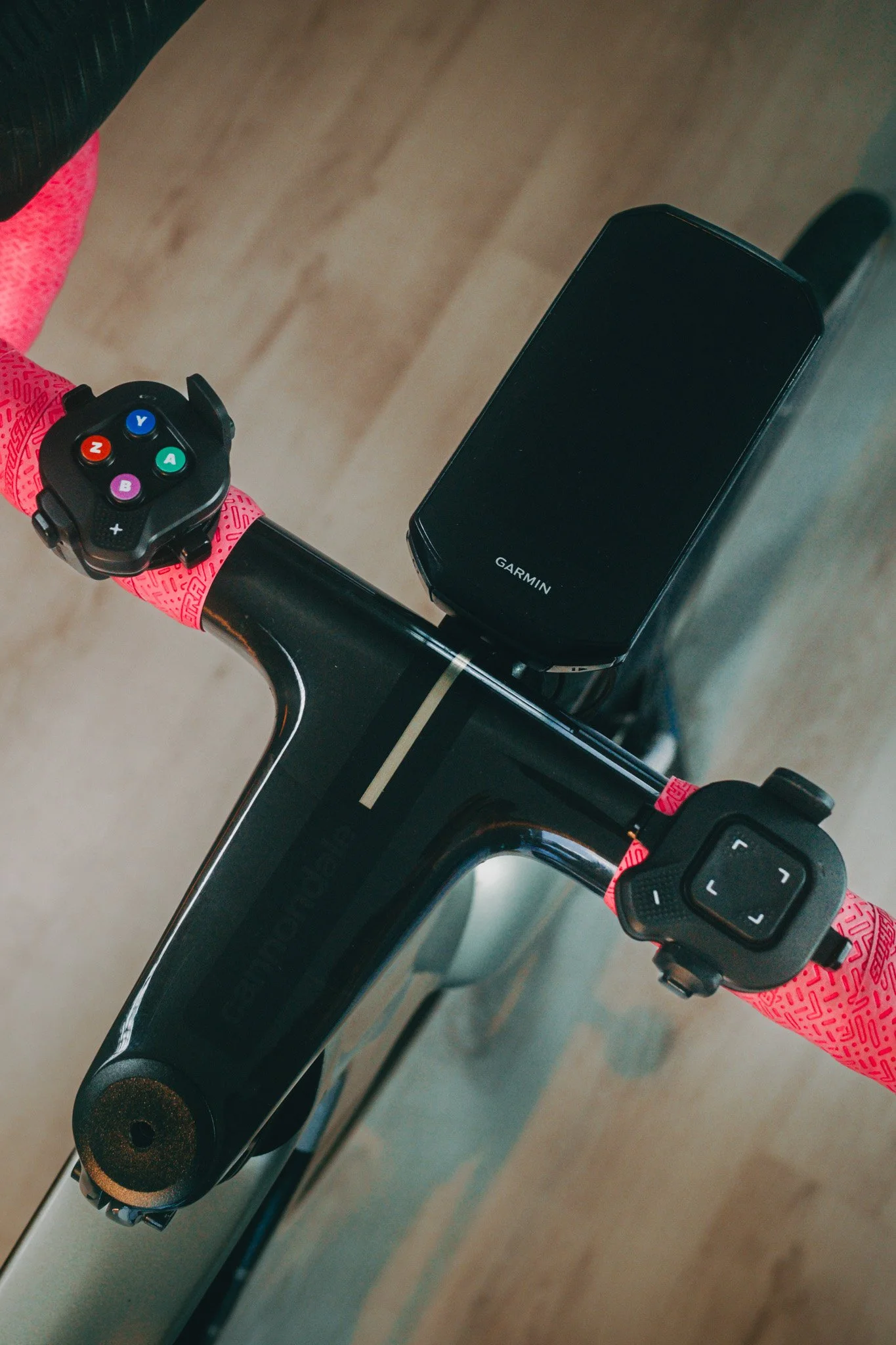
The shifting is very smooth, and for indoor riding I actually prefer virtual shifting. You don't have to use the front derailleur anymore, and you can change gears without the chain physically moving between sprockets. Zwift describes the virtual shifting as silent and instant, with the trainer changing resistance electronically to match the selected virtual gear.
The Clicks also do more than just shift. You can use them to navigate Zwift, change your view and give a Ride On without reaching for your laptop.
That makes the whole experience feel very simple once you're riding.
Who is this setup for?
For me, this setup makes the most sense for someone who wants to get into riding on Zwift now.
You don't need much mechanical experience, and you don't need to know everything about cassettes and trainer compatibility before you start.
The combination works with almost any bike with any drivetrain, and it is particularly useful if several people want to share one trainer or if you regularly want to change bikes.
That removes one of the things that used to make indoor training feel more complicated than it needed to be.
One thing to keep in mind
There is one thing I would keep in mind if you use the trainer for a lot of hours.
Your chain will still wear while riding indoors. If you spend a long time training on the same chain and then put your rear wheel back on the bike, it is worth keeping an eye on the chain wear and considering a new chain when necessary.
For normal use this isn't something I'd worry about, but if you are putting a lot of indoor hours into the bike, it is something to remember.
My experience
I have used Tacx trainers before, so the NEO 2T felt familiar from the start. The riding experience felt natural and I didn't notice a major difference compared with my previous trainer.
For me, the biggest improvement isn't necessarily how the trainer feels when you are riding it. It is everything that happens before you start riding.
The setup is quick, the bike goes on easily, the Zwift connection is simple and the virtual shifting works almost immediately.
Indoor training already takes some motivation. Having a setup that doesn't make you work hard just to get started is a big advantage.
And because you don't need a separate cassette for each bike, it is also a much more flexible setup.
Final thoughts
The Tacx NEO 2T with Zwift Cog and Click makes indoor training feel much less complicated.
If you are new to Zwift, I think this is a very easy way to get started. There is less mechanical knowledge needed and the setup takes only a few minutes.
For me, that is the biggest benefit. Indoor training is already a mental step, but when the setup is this simple, there is one less reason not to get on the bike.
